













Tracking and improving On-Shelf Availability (OSA): Getting started
Tracking and improving on-shelf availability (OSA) starts with a simple question: can a shopper buy this item right now, the way they want to buy it?
It is no longer enough for the system to show an item is in stock. Retailers increasingly evaluate whether products are truly available to shoppers in the moment, whether that means on the shelf in the store or through the fulfillment option the shopper expects online.
That matters because unavailable items often lead to immediate lost sales, with 23 percent of omnichannel shoppers switching their spending to another retailer when an item is out of stock. As a result, measures such as OSA, WIP%, and Purchasability are showing up more often on retailer scorecards.
This guide explains what these measures mean, how they differ from in-stock rates, and how to spot the most common availability problems early using daily retail data.
Key takeaways:
- On-shelf availability reflects the in-store shopper experience. In-stock rates reflect what the system says is available.
- Purchasability is broader. It covers whether a shopper can complete the purchase, in-store or online.
- Daily checks help surface the fastest warning signs, including Zero On Hand, Zero Sales, and Phantom Inventory.
- The goal is quick diagnosis: find where the item is not purchasable, then route the issue to the right team.
Unavailable items often lead to immediate lost sales, with 23 percent of omnichannel shoppers switching their spending to another retailer when an item is out of stock.
On-Shelf Availability (OSA) vs. Purchasability vs. in-stock rates
These terms are closely related, but they do not mean the same thing. The simplest way to keep them straight is to look at them through the shopper experience: is the item actually available for purchase in the moment and channel the shopper expects?
Four measures teams use to understand product availability
Here are common measures to help answer that question, but each reflects something slightly different.
OSA focuses on whether the item is available on the shelf in the store. Some retailers, including Target, use Walk-In Purchasability (WIP%) as one measure of that in-store availability. Digital Purchasability extends the same idea online by showing whether the shopper can complete the purchase through the fulfillment options they expect. In-stock rate is different. It shows whether inventory exists somewhere in the system, even if the item is not actually available to the shopper.
Availability Measure
What it answers
What it reflects
On-Shelf Availability (OSA%)
Is the product available for a shopper in the aisle?
Whether the item is physically present and buyable on the shelf.
Walk-In Purchasability (WIP%)
Can a shopper entering the store purchase the item?
A retailer-specific measure of in-store availability used by some retailers, including Target.
Digital Purchasability
Can the shopper complete the purchase online?
Whether the item is available for ship-to-home, pickup, or delivery.
In-stock rate
Does the system show that inventory exists?
Inventory recorded in the system (store, backroom, DC, or in transit).
OSA and WIP% focus on whether the item is actually buyable in the store, while digital purchasability extends that idea across store and digital channels. In-stock rate is narrower: it reflects whether inventory exists somewhere in the system.
That distinction matters because many availability problems are not caused by a true lack of inventory. They happen when stock appears to exist, but the shopper still cannot complete the purchase. That is why daily store-level data is such a useful starting point for diagnosis.
Many availability problems are not caused by a true lack of inventory. They happen when stock appears to exist, but the shopper still cannot complete the purchase. That is why daily store-level data is such a useful starting point for diagnosis.
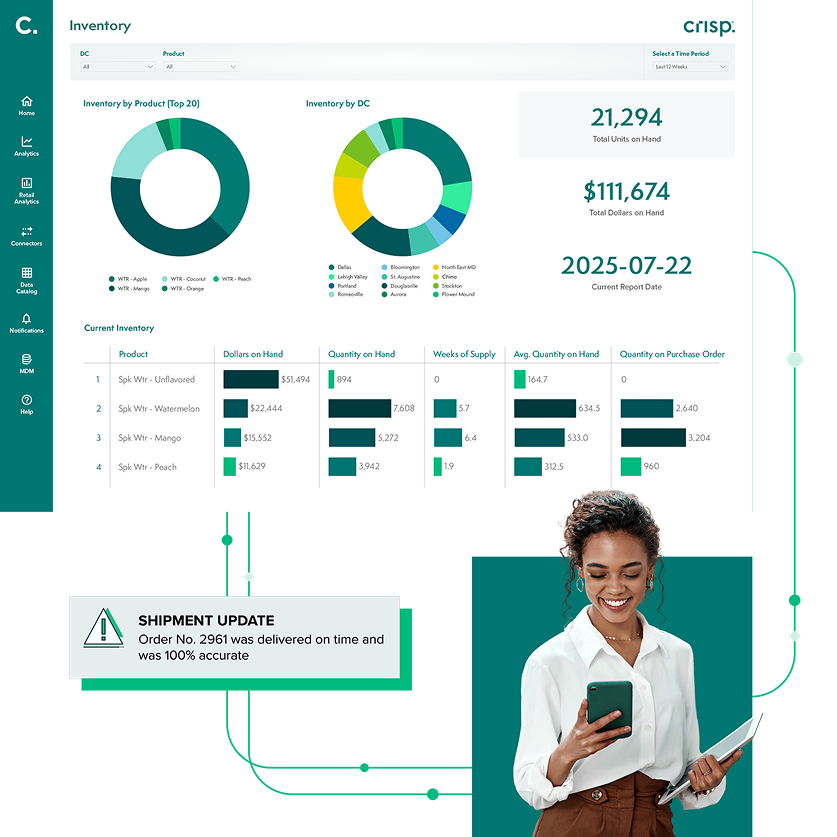
Improve supplier performance
What data you need to track on-shelf availability daily
Most availability problems do not first appear in store visits or weekly reports. They usually show up first in daily retail data. Weekly summaries can tell you that performance slipped. Daily data helps explain when the problem started and what type of issue it may be. It also improves retail demand forecasting by helping teams separate true demand changes from availability problems.
At a practical level, daily tracking depends on two inputs:
- Daily sales: Sales show whether shoppers are still able to complete a purchase. A sudden drop or stall can be an early sign that the item is no longer available in the way shoppers expect.
- Daily on-hand inventory: On-hand data shows what the retailer system says is in the store. That helps teams distinguish between a true out-of-stock and a situation where inventory appears to exist but the item is not actually reaching the shelf or checkout flow.
Used together, these inputs help teams spot out-of-stocks, phantom inventory, and unusual sales slowdowns earlier.
Three signals of on-shelf availability problems
Once you’re tracking daily sales and on-hand inventory, the next step is to watch for three common signals.
- Zero on-hand (ZOH)
- What it is: The system shows zero units on hand for a specific item in a specific store.
- What it usually means: A true out-of-stock situation, delayed receiving, or a lag in inventory updates.
- How to use it: Use Zero On Hand as a simple first screen for possible availability issues. Then watch for stores where it continues for several days.
- Zero sales
- What it is: Sales drop to zero in a store where the item normally sells.
- What it usually means: A shelf out-of-stock, product sitting in the backroom, or a shelf tag or planogram issue.
- How to use it: Compare Zero Sales with on-hand inventory and with peer stores to spot likely voids and prioritize action.
- Phantom Inventory
- What it is: The system shows positive on-hand inventory, but sales stall or stop.
- What it usually means: Shrink, a receiving error, or product stranded in the wrong place.
- Why it matters: Phantom inventory can block replenishment because the system still shows stock available.
- How to use it: If you see this pattern, follow up with the store to understand what’s blocking the sale.
Those signals are most useful when teams review them in a simple daily workflow.
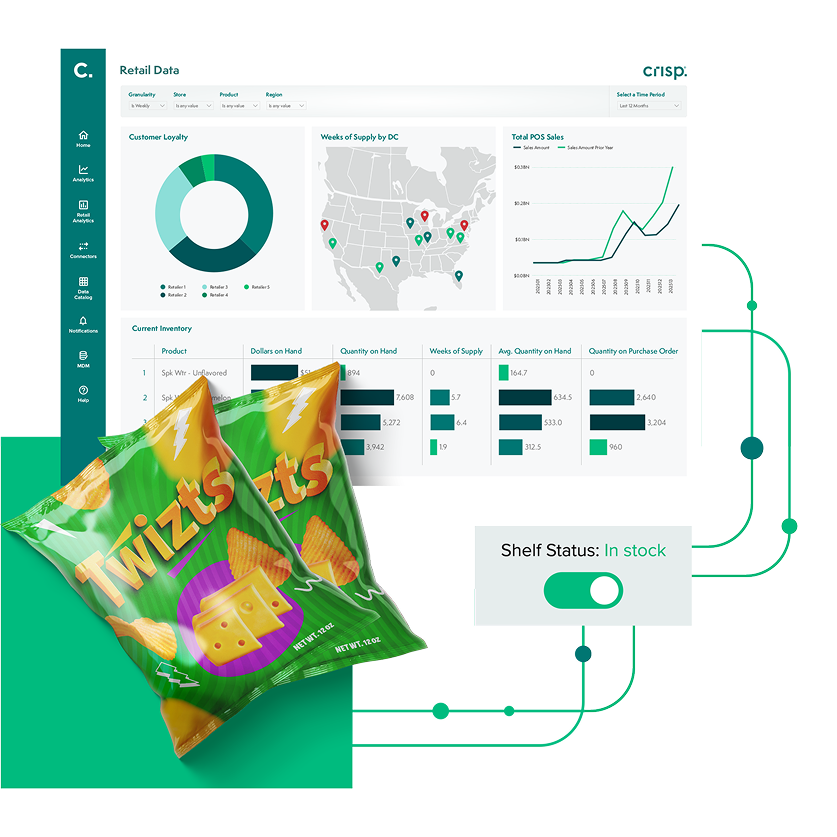
Accurate inventory tracking with real-time data
A simple daily workflow for improving on-shelf availability
Most teams improve on-shelf availability by following a consistent daily routine. The goal is not to review every store equally. It is to identify the biggest risks quickly, sort issues by likely cause, and route them to the right team.
- Start with top-selling SKUs. Focus first on the items with the greatest sales impact.
- Scan daily for Zero On Hand and Zero Sales. These are the fastest ways to surface stores that need follow-up.
- Flag Phantom Inventory patterns. These usually require store-level follow-up to confirm whether the issue is execution, inventory accuracy, or both.
- Group issues by likely cause. Separate probable supply flow problems from store execution problems and digital availability issues.
- Route each issue to the right team. Sales, supply chain, merchandising, and ecommerce teams usually own different parts of the fix.
After a store or SKU is flagged, the next step is to interpret what the data pattern is most likely telling you.
How to interpret common availability patterns
A few recurring patterns can help teams narrow down the most likely root cause.
Zero on-hand and Zero Sales
When both on-hand and sales drop to zero, the item is likely out of stock. In many cases, that points to a replenishment or supply flow issue rather than a store-level execution issue.
If this pattern appears across many stores or an entire region, it usually suggests a broader supply or replenishment problem.
Positive on-hand with Zero Sales
This pattern usually means inventory appears to be available, but the item is not being purchased in the store. In some cases, the product is in the building but has not made it to the shelf. In others, the inventory record may be inaccurate.
Example: A store’s system shows 12 units on hand, but the item records Zero Sales for several days. When a field rep checks the store, the product is still sitting in the back room and never made it to the shelf.
Phantom inventory
Phantom Inventory is one important reason this pattern appears. The system still shows stock on hand, even though the product is no longer truly available. Because the system still shows inventory, replenishment may be delayed.
Digital availability issues
Not all availability problems happen on the shelf.
An item may appear online but still fail at checkout for the fulfillment option the shopper wants. Pickup may disappear as an option. Delivery may be blocked. The product may show up in search but not be purchasable. Example: A shopper sees the item online, but the retailer site says “pickup not available.” Even if inventory exists in the store, the item is not purchasable for the fulfillment method the shopper selected.
What these patterns usually suggest
A few quick rules of thumb can help teams move faster:
- Zero On-Hand + Zero Sales: likely supply/replenishment problem
- Positive on-hand + Zero Sales: likely store execution problem
- Phantom Inventory: usually points to an inventory accuracy problem that may block reorder
- Online visible, not checkout-eligible: likely digital fulfillment problem
Even small availability breakdowns can create significant lost sales when they repeat across stores and SKUs.
Why this matters
It’s estimated that out‑of‑stocks and out‑of‑shelf situations caused U.S. CPG retailers to miss out on more than $82 billion in sales in 2021, with 7.4% of potential CPG sales not realized because the product was not available for purchase.
Conclusion
The goal of tracking product availability is not just to report problems after the fact. It is to catch them early enough to fix them.
For most teams, that starts with a simple daily habit: compare sales with on-hand inventory, identify where availability is breaking down, and send issues to the right team quickly. The faster you can tell the difference between a true out-of-stock and a false availability signal, the faster you can recover lost sales.
Crisp helps CPG teams bring daily retailer sales and inventory data into one place, making it easier to spot out-of-stocks, Phantom Inventory, and digital availability issues before they lead to longer periods of lost sales.
FAQs about On-Shelf Availability (OSA)
-
What is the difference between on-shelf availability and out-of-stock?
On-shelf availability (OSA) refers to whether a product is actually available for purchase where the shopper expects it, while out-of-stock usually refers to a location where inventory is unavailable. An item can still appear in the system and yet have poor on-shelf availability if it never makes it to the shelf.
-
What causes poor on-shelf availability?
Poor on-shelf availability usually results from true out-of-stocks, Phantom Inventory, delayed replenishment, or store execution issues such as products sitting in the backroom instead of on the shelf.
-
How do retailers calculate on-shelf availability (OSA)?
There is no single formula every retailer uses. Most teams estimate on-shelf availability using store-level data that shows whether the item was actually buyable, such as daily sales, on-hand inventory, and retailer-specific measures like WIP%. In simple terms, the goal is to understand whether shoppers could find and purchase the item in the store when they expected to.
-
What causes phantom inventory?
Phantom Inventory is usually caused by theft, damage that was not recorded, scanning errors at the register, or products being misplaced in the store. It results in the inventory system showing stock on hand while the physical shelf is actually empty.
-
How does on-shelf availability impact demand forecasting?
Poor on-shelf availability data can distort retail demand forecasting because sales history reflects supply constraints rather than true consumer demand. If you do not correct for periods when the item was unavailable, your future forecasts will be artificially low, leading to a cycle of under-ordering.
-
Can you track OSA without RFID technology?
Yes, teams can track OSA without RFID by using point-of-sale (POS) data and inventory levels to identify likely availability issues. Patterns like Zero Sales with positive inventory act as reliable signals for availability issues without requiring hardware installation.
Get insights from your retail data
Crisp connects, normalizes, and analyzes disparate retail data sources, providing CPG brands with up-to-date, actionable insights to grow their business.